Interactive Tool
30 Plants a Week Tracker
Tap every plant you eat this week and watch your variety score climb to 30 — right here, no sign-up.
A checklist is the simplest possible version of a tracker, and for a goal like thirty plants a week, simple is exactly what works. You start the week with a list, tick off each plant as you eat it, and by Sunday you can see at a glance whether your week was varied or on repeat. The interactive checklist below does the counting for you — tap a plant to tick it, watch the score climb, and the list resets every Monday.
This page also gives you the list itself, organised by category, so you can use it as a shopping guide. If your week is light on legumes or herbs, the checklist shows it and the list tells you what to buy.
How to Use the 30 Plants a Week Checklist
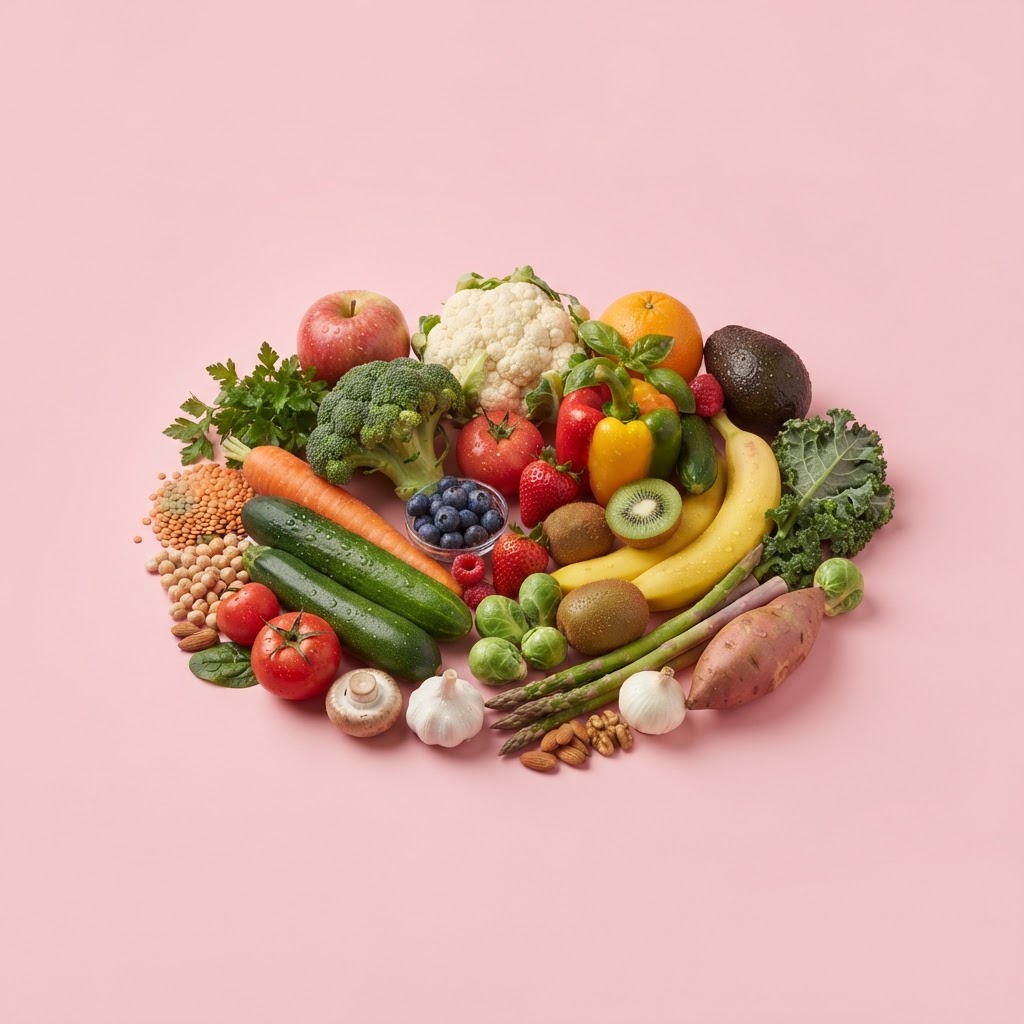
The checklist above is organised into six categories that match the way the research defines a plant: vegetables, fruit, herbs and spices, nuts and seeds, legumes, and whole grains. Each category holds a generous selection of common plants, and each unique plant you tick is one point toward your weekly thirty.
The workflow that sticks is to tick plants as you eat them rather than reconstructing the week on Sunday. A few seconds at breakfast and dinner is enough. The ring fills as you go, the category chips light up to show where your variety is coming from, and your progress saves to your device for the week. On Monday it resets and you start fresh. There is no account and no one sees your list but you.
If a plant you ate is not on the list, type it into the custom-add field and it still counts. If you are stuck midweek, tap "Suggest one" for a plant you have not eaten yet. You can use the checklist on this page or open the full 30 Plants a Week Tracker for more room — both share the same saved week on your device.
The List, by Category
If you want to take the checklist to the shops, here is the list itself, grouped the way the tracker groups it. You do not need to buy all of these — pick a spread across the categories and you will clear thirty in a week of ordinary meals.
Vegetables
Broccoli, spinach, kale, carrot, tomato, capsicum, cucumber, zucchini, pumpkin, sweet potato, cauliflower, cabbage, Brussels sprouts, eggplant, mushrooms, onion, garlic, leek, asparagus, celery, beetroot, radish, bok choy, green beans, snow peas, corn, avocado.
Fruit
Apple, banana, orange, strawberries, blueberries, raspberries, grapes, mango, pineapple, kiwi, watermelon, rockmelon, honeydew, peach, pear, plum, cherries, fig, passionfruit, papaya, mandarin, lemon, lime, pomegranate, apricot, lychee.
Herbs and spices
Basil, parsley, coriander, mint, rosemary, thyme, oregano, sage, dill, chives, turmeric, ginger, cinnamon, cumin, paprika, chilli, saffron, cardamom, nutmeg, black pepper, star anise.
Nuts and seeds
Almonds, walnuts, cashews, pecans, pistachios, macadamias, Brazil nuts, hazelnuts, peanuts, pumpkin seeds, sunflower seeds, sesame seeds, chia seeds, flaxseeds, hemp seeds, pine nuts.
Legumes and pulses
Chickpeas, red lentils, green lentils, black beans, kidney beans, cannellini beans, butter beans, edamame, tofu, tempeh, split peas, broad beans, mung beans, black-eyed peas.
Whole grains
Oats, brown rice, quinoa, barley, buckwheat, whole wheat, rye, spelt, bulgur, farro, millet, polenta, amaranth.
What Counts as a Tick
One tick is one unique plant eaten in the week, regardless of how much. A pinch of turmeric is a tick. A whole pumpkin is a tick. The same plant eaten twice in the week is still one tick — the checklist is about variety, not quantity. If you want the full rules, including the edge cases like coffee, cocoa and the same plant in two colours, our guide on what counts as a plant point works through them.
The one rule worth repeating here is that the same plant in two forms counts once. Red and green grapes are one tick. White and brown rice are one. An apple and apple juice are one. Tick species, not servings, and the count stays honest.
How to Turn the Checklist Into a Shopping List
The checklist doubles as a shopping guide if you use it to plan the week rather than just audit it. Pick a spread of plants across the six categories — say, six vegetables, five fruit, four herbs and spices, three nuts and seeds, three legumes, and four whole grains — and you have twenty-five plants before you count anything you add during the week. Run that through the Food Portion Calculator to size the amounts, drop the lot into the Shopping List, and the week is planned in a few minutes.
The category balance is the bit to watch. A week that is all fruit and no legumes is technically thirty plants, but it is not the balanced thirty the research has in mind. The checklist's category chips show the balance as you tick, so you can see if you are light on a group and add one more from that group to the next shop.
A Minimal Week That Clears Thirty
If you want a starting point, here is a minimal week that hits thirty without any unusual cooking. Breakfast: porridge with oats, mixed berries, chia seeds and cinnamon — five plants. Lunch: mixed salad leaves, tomato, cucumber, chickpeas and wholegrain bread — five. Dinner one: a stir-fry of broccoli, capsicum, onion, garlic, ginger and brown rice — six. Dinner two: a lentil dahl with lentils, spinach, turmeric and cumin — four. Dinner three: pasta with tomato, basil and whole-wheat pasta — three. Snacks: an apple, a mandarin, a handful of almonds — three. That is twenty-six before you count anything else you eat, and it uses nothing you cannot buy at a standard Australian supermarket.
For a fully laid-out version, the beginner meal plan does exactly this across seven days. The point of the checklist is that you do not need a special plan — you need to notice what you already eat and fill the gaps.
Making the Checklist a Habit
The checklist works when it is a small, repeated habit rather than a one-off project. The pattern that sticks is a tap at each meal — a few seconds, twice a day — which keeps the list current without any Sunday-night reconstruction. The ring filling up is a quietly effective motivator, and the weekly reset means each Monday is a fresh start with no guilt carried over.
If you fall off, do not try to backfill the week from memory; just start again from the next meal. The point is the habit, not a perfect record. And if you want the checklist to feed the rest of your kitchen routine, pair it with the Pantry-to-Plate scanner to use up whatever you bought for variety but did not get to, and our guide on how to store fruit and vegetables so it lasts long enough to be eaten.
The Bottom Line
The 30 plants a week checklist is the simplest tool for the simplest version of the variety goal: tick what you eat, watch the count climb, and let the category balance guide the next shop. Use the interactive list above or open the full 30 Plants a Week Tracker — free, private, and reset every Monday.
Frequently Asked Questions
It is a list of plants across six categories — vegetables, fruit, herbs and spices, nuts and seeds, legumes, and whole grains. You tick each plant you eat in a week, and the checklist counts your unique plants toward a target of 30.