Label Scanner
What's Really In Your Food?
Scan the ingredient list on any packaged food. We'll highlight ultra-processed additives, hidden sugars, and allergens in seconds.
How it works
Food Label Scanner: Complete Guide
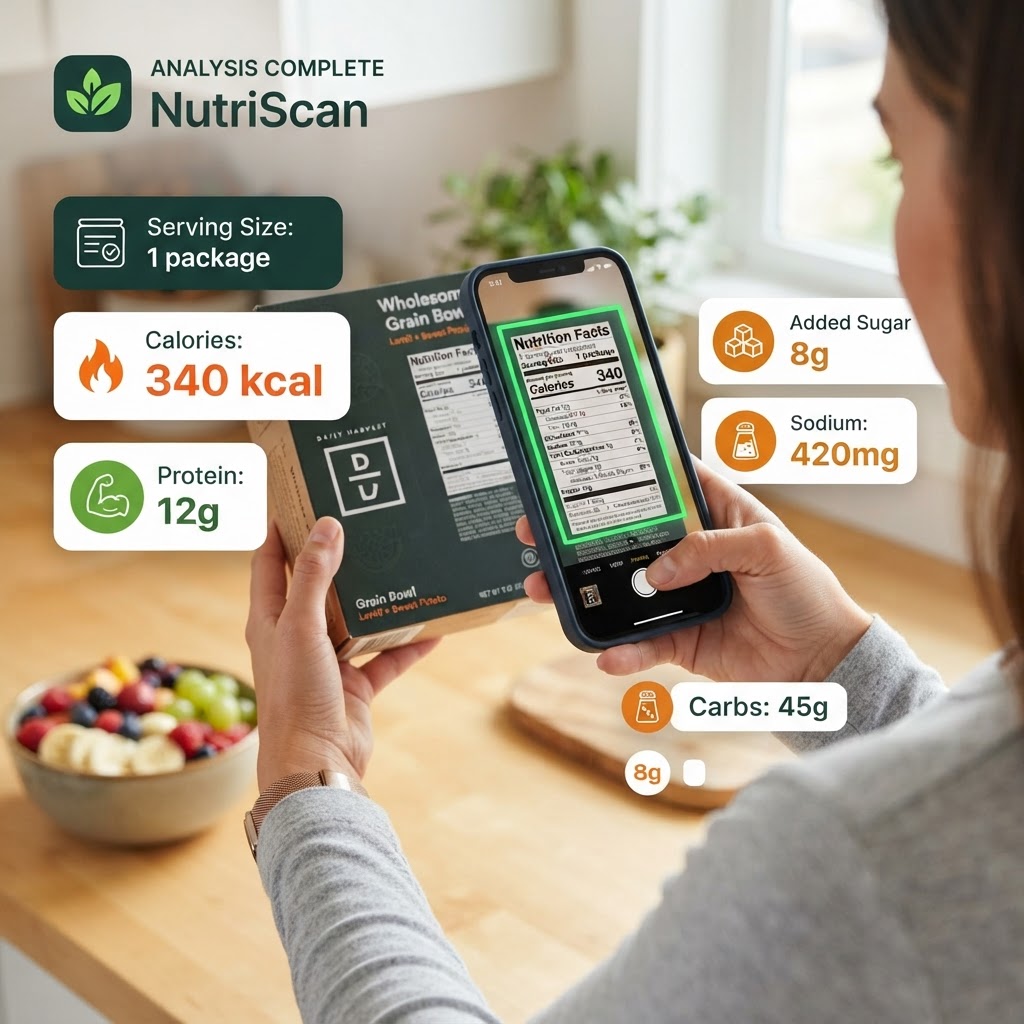
PickFresh's Food Label Scanner turns your phone into a nutritionist. Snap a photo of any packaged food label and our AI instantly identifies every ingredient, flags hidden sugars, additives, and allergens, and gives you a health score from 0 to 100. Whether you're trying to eat cleaner, manage allergies, or just want to understand what's really in your food, the label scanner makes it effortless — no app download required.
How to Use Food Label Scanner
- 1
Upload a label photo
Tap to take a photo of any food product's ingredient label, or upload an existing photo from your camera roll.
- 2
AI analyses ingredients
Our AI reads every ingredient on the label, classifies each one as safe, caution, or avoid, and identifies hidden sugars, additives, and allergens.
- 3
Review your health score
Get an overall health score from 0 to 100, plus a detailed breakdown of every ingredient with warnings and explanations.
Why Use Food Label Scanner?
Hidden Sugar Detection
Sugar hides behind dozens of names — maltodextrin, dextrose, agave nectar, and more. The scanner identifies all of them and shows you exactly how much hidden sugar is in a product.
Additive & Preservative Alerts
From artificial colours to preservatives like sodium benzoate, the scanner flags additives that may cause health concerns so you can make informed choices.
Allergen Identification
If a product contains common allergens like dairy, gluten, soy, or nuts, the scanner highlights them immediately — essential for anyone with food allergies or intolerances.
Health Score (0–100)
Every product gets a simple, easy-to-understand health score. Higher scores mean cleaner ingredients; lower scores indicate ultra-processed foods with questionable additives.
Ultra-Processed Food Detection
The scanner identifies whether a product is minimally processed, processed, or ultra-processed, helping you avoid the trap of foods that look healthy but aren't.
Tips & Best Practices
- ›Make sure the entire ingredient list is visible and in focus for the most accurate analysis.
- ›Good lighting helps the AI read small text — natural daylight works best.
- ›If the label is long, take the photo from directly above to minimise distortion.
- ›Compare similar products by scanning both to see which has a higher health score.
Frequently Asked Questions
Our AI uses advanced text recognition and a comprehensive ingredient database to analyse food labels. It identifies the vast majority of common ingredients, additives, and sweeteners found in packaged foods sold in Australia and internationally.